AI Interior Design Visualisation for Professional Designers
Turn room photos into polished design concepts, explore multiple creative directions and create client-ready visuals faster.
Start with 3 free credits • No card required • Commercial licence on professional subscriptions
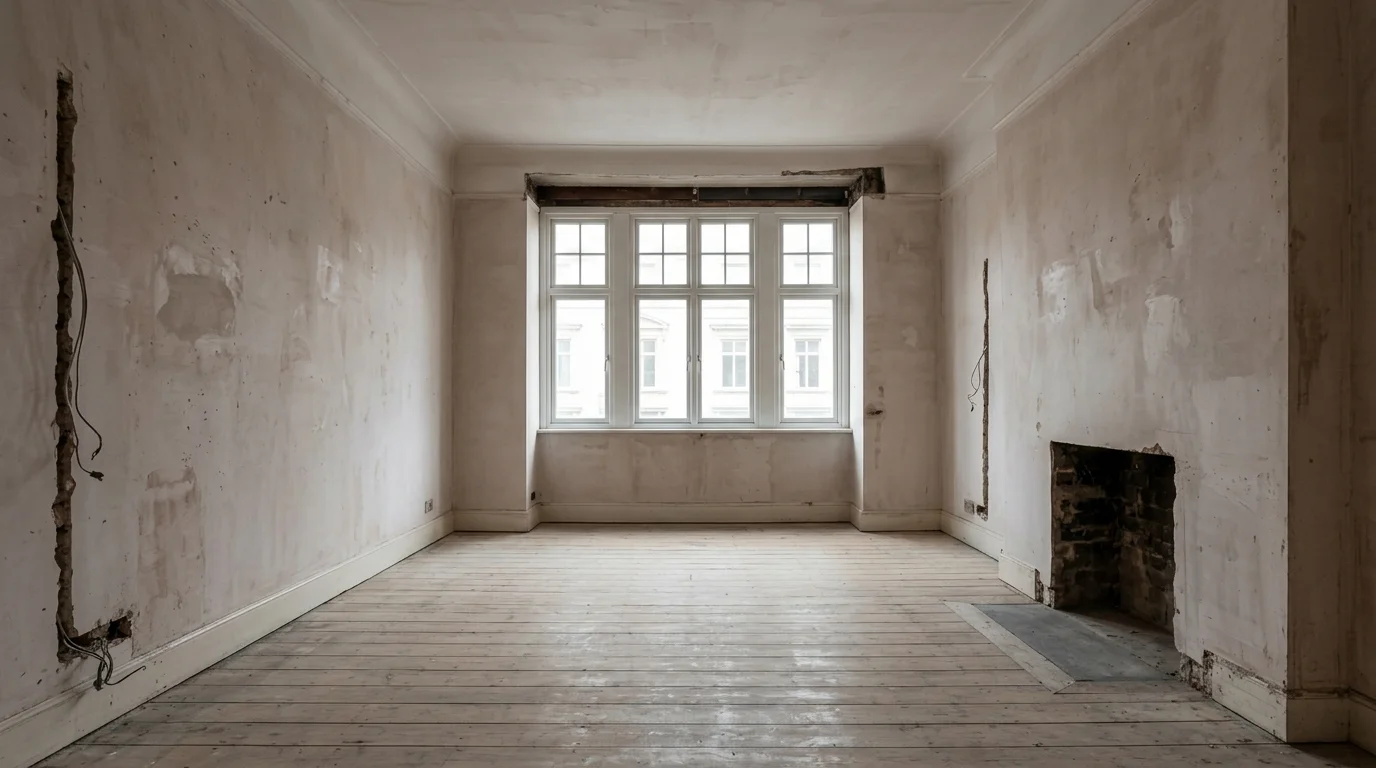
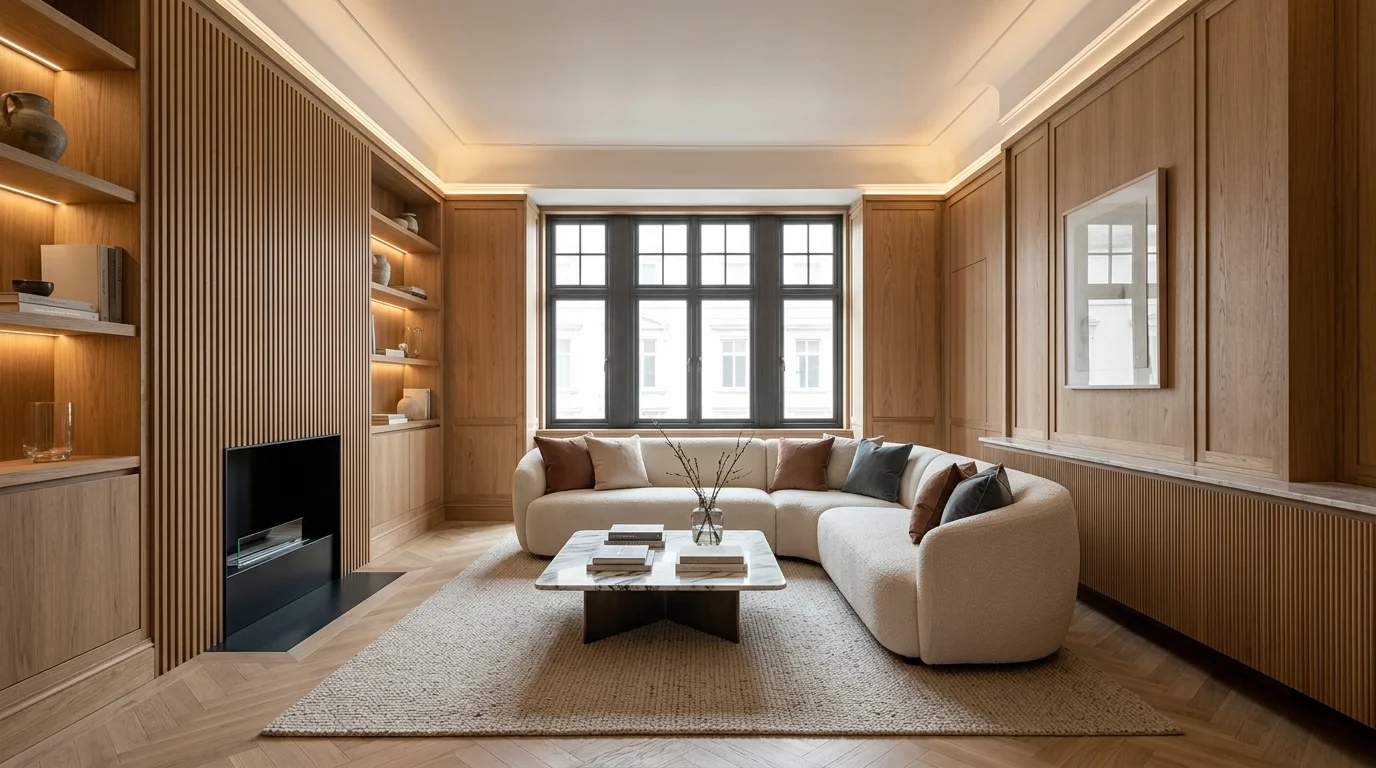
Photorealistic client room transformation: raw architectural strip-out vs polished luxury contemporary interior concept
Create Client Concepts Faster Without Tedious 3D Setups
Accelerate your early-stage ideation workflow. Turn room photos into polished design concepts, explore multiple creative directions, and present client-ready visuals on day one.
Create Design Concepts From Room Photos
Upload client room photos or site survey captures. Instantly generate photorealistic concepts to explore spatial directions and finishes before your first formal presentation.
Explore Multiple Design Directions
Test contemporary, Japandi, Scandinavian, industrial, or heritage palettes in seconds. Present alternative visual directions so clients quickly align on what they love.
Accelerate Early-Stage Ideation
Avoid burning unbilled hours building complex 3D scenes for initial consultation pitches. Lock in client aesthetic alignment before moving to technical drawings.
Professional Interior Visualisation Without Complex Software
DraftSanctum AI is built specifically for early-stage visual concept exploration and client communication. Here is how it fits your workflow:
What DraftSanctum AI Is Built For
- Rapid visual concept exploration from existing room photos and site surveys.
- Client moodboard & aesthetic alignment during early consultation meetings.
- Architectural sketch-to-render conversion for quick preliminary spatial studies.
- High-resolution presentation visuals with full commercial licensing included.
What It Does Not Replace
- CAD & drafting software (e.g. AutoCAD, Vectorworks) for dimensional accuracy.
- Architectural blueprints & construction documents for contractor sign-off.
- Structural & MEP engineering calculations for building regulations.
- Detailed BIM models (e.g. Revit) for manufacturing or fabrication.
Flexible Plans Designed for Studio & Client Workflows
Start with 3 free credits on signup • No card required. Upgrade as your studio pitch volume grows.
Designer Starter
Tailored for independent designers, stagers, and occasional client pitches.
- High-resolution downloads
- Watermark-free client exports
- Commercial licence on active subscription
- Cancel or pause anytime
Includes 3 free trial credits
Designer Pro
Built for active interior designers and studios with regular client pitch volume.
- All photo & sketch AI visualisation modes
- Side-by-side design comparison
- Advanced model toggle (Fast & Detailed)
- Commercial licence on active subscription
- Cancel or adjust anytime
Includes 3 free trial credits • No card required
Studio
High-volume generation capacity for agencies, architectural studios, and busy practices.
- Highest monthly generation volume (180 credits)
- All photo & sketch AI visualisation modes
- High-resolution presentation exports
- Commercial licence on active subscription
- Dedicated account support
Includes 3 free trial credits
Frequently Asked Questions for Design Professionals
Clear answers regarding workflow integration, commercial rights, and billing.
Accelerate Your Client Concept Presentations
Turn room photos into polished design concepts in minutes. Explore multiple aesthetic directions before committing to detailed drafting.
Start with 3 free credits • No card required • Commercial licence on professional subscriptions
Genuine Before & After Transformations
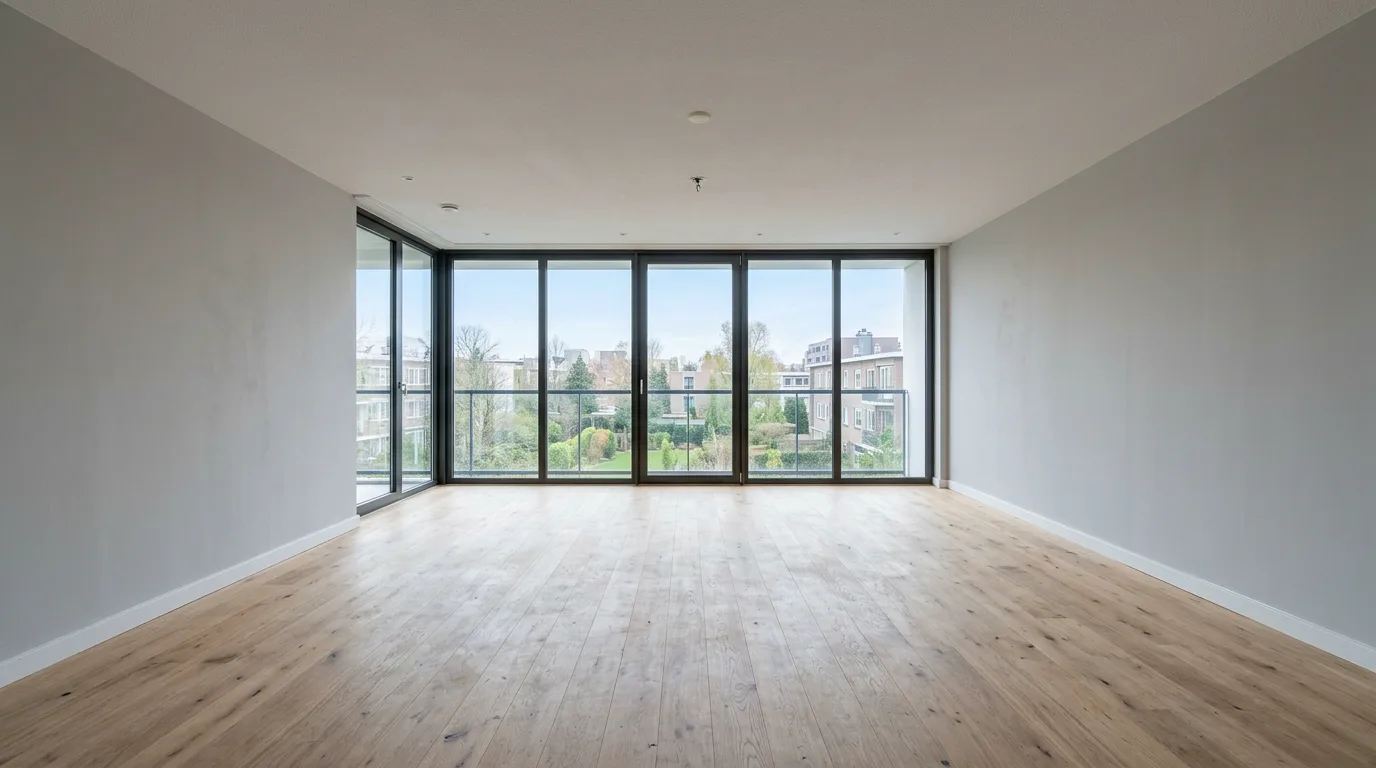
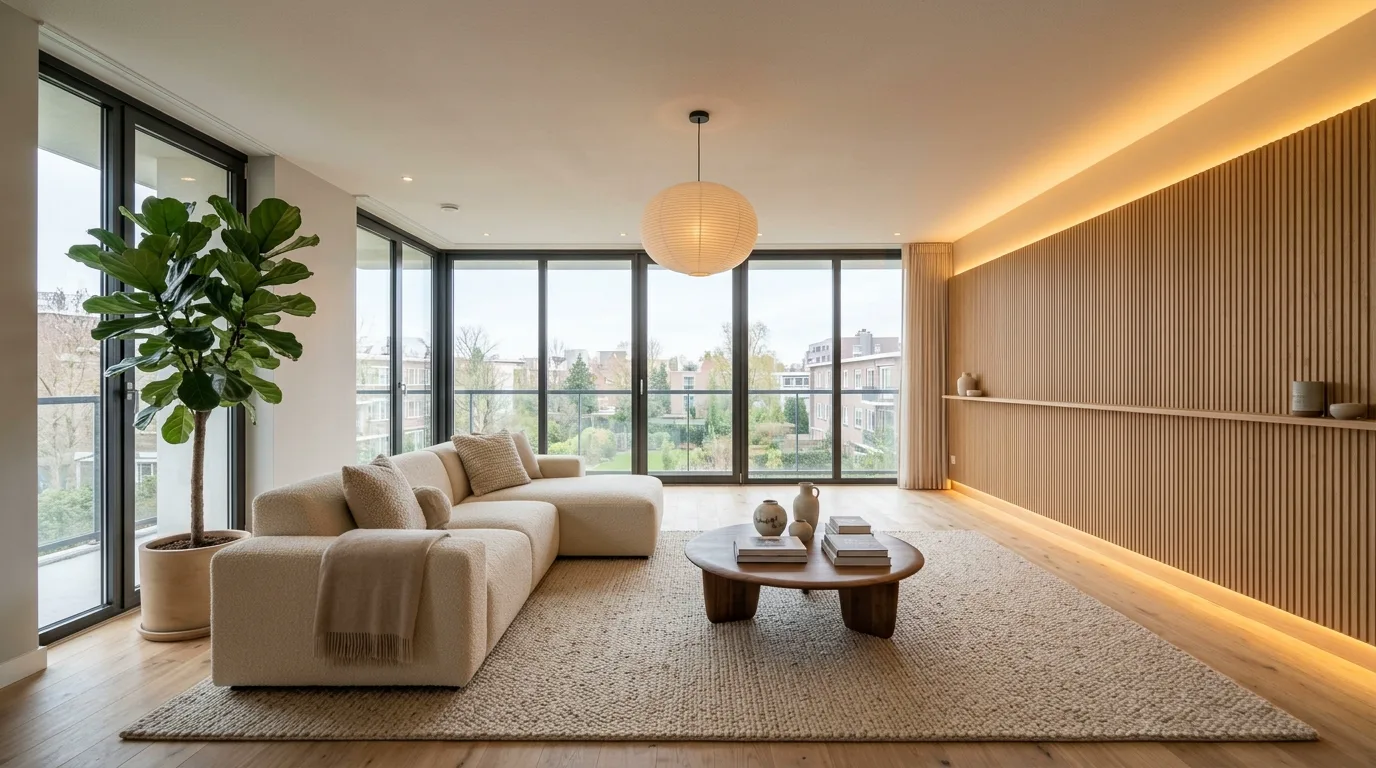
These examples were generated directly by DraftSanctum AI from the original photograph. Drag the slider to inspect the exact spatial alignment and realistic material finishes.
One Photo, Multiple Architectural Directions
Choose a style below to see how DraftSanctum AI reinterprets the same physical space while preserving window positions and floorplan boundaries:
Authenticity Guarantee: We never display generic stock interiors or 3D mockups disguised as customer transformations. Every result is generated from the real photograph.
Related tutorials & workflows
Practical, photo-led guides to planning a redesign before you spend on furniture, trades or planting.
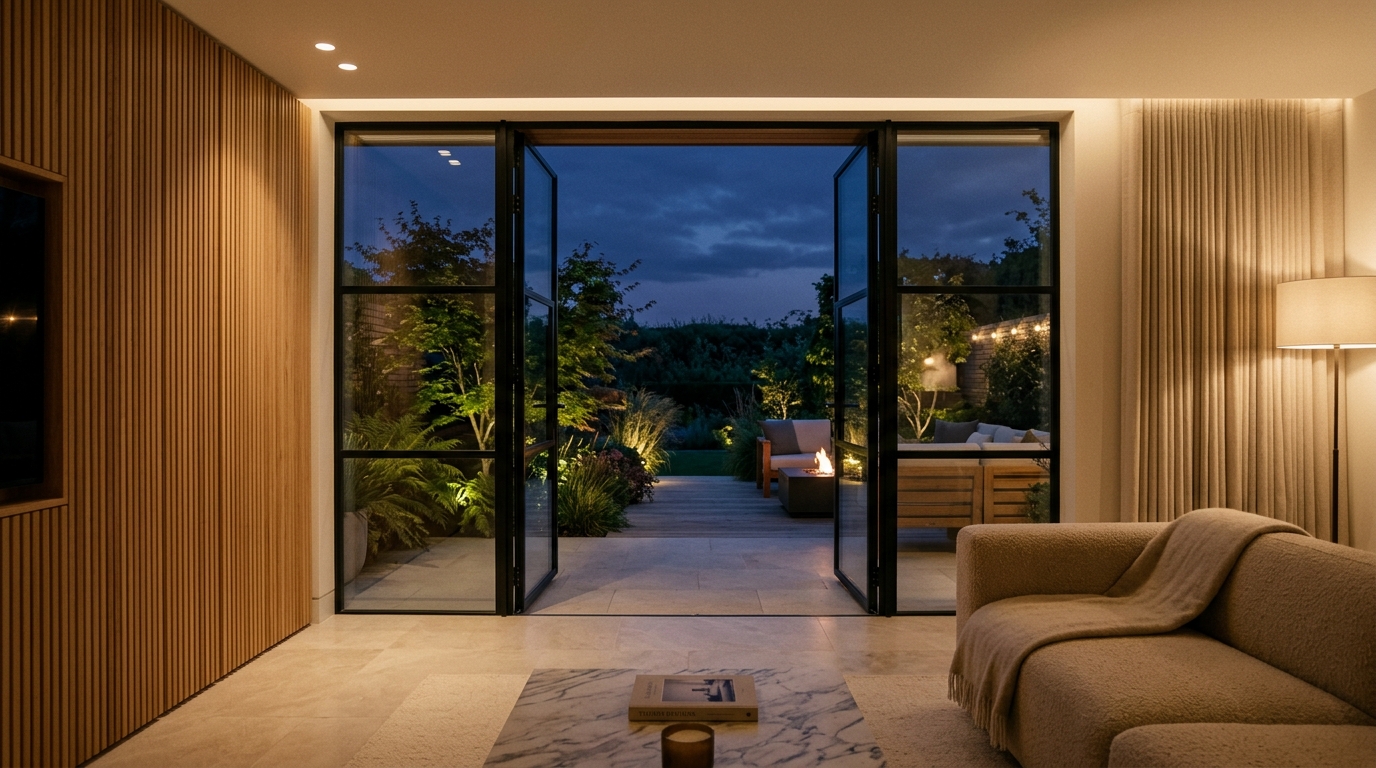
Turning Static AI Room Concepts into Cinematic Video Walkthroughs: An Architectural Motion Guide
Static images show colour and layout, but video demonstrates how a room actually flows. Learn how to convert 2D architectural concepts into short video walkthroughs using AI.
Read the guide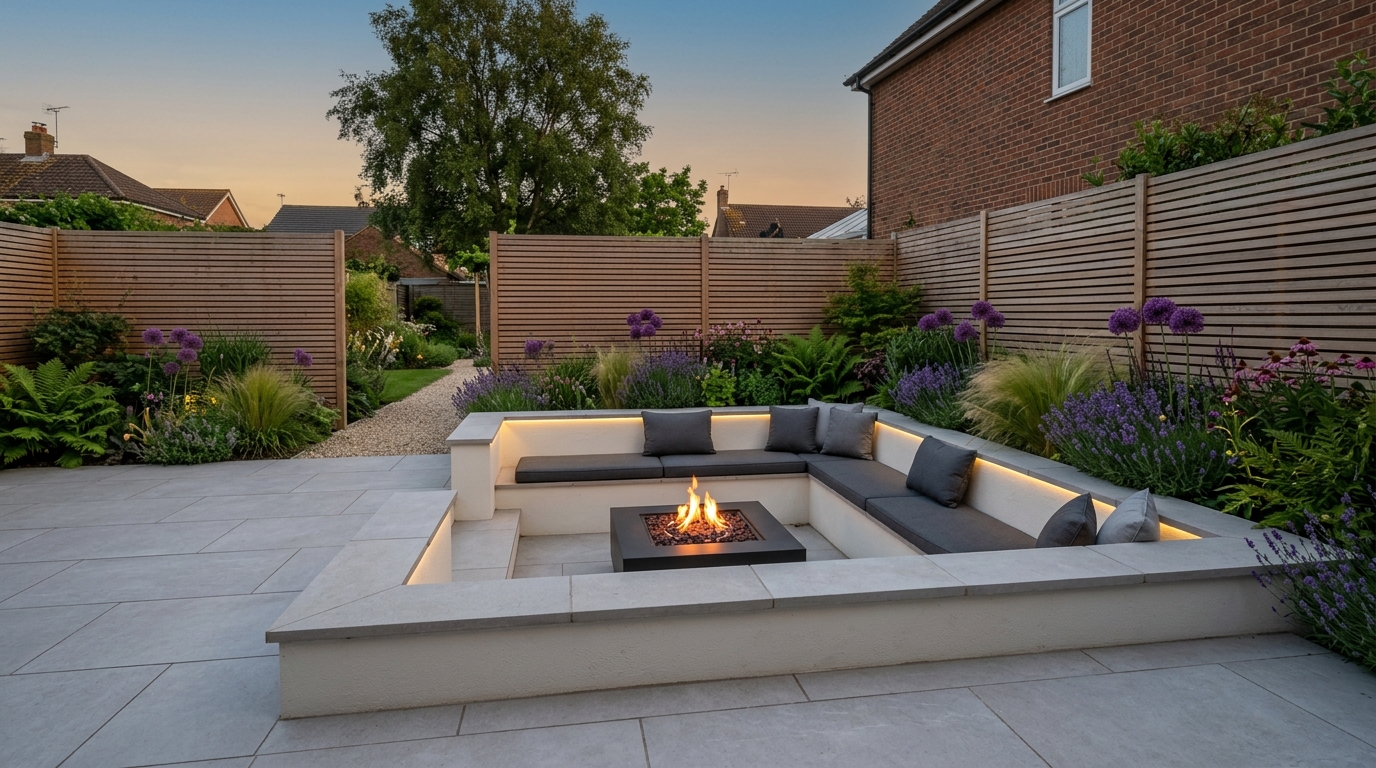
Transforming Your Garden Layout with AI: Visualising Patios, Planting, and Outdoor Living
Overgrown turf and awkward slopes make garden redesign difficult to plan. Learn how to assess sunlight, divide outdoor space into practical zones, and test paving materials with AI.
Read the guide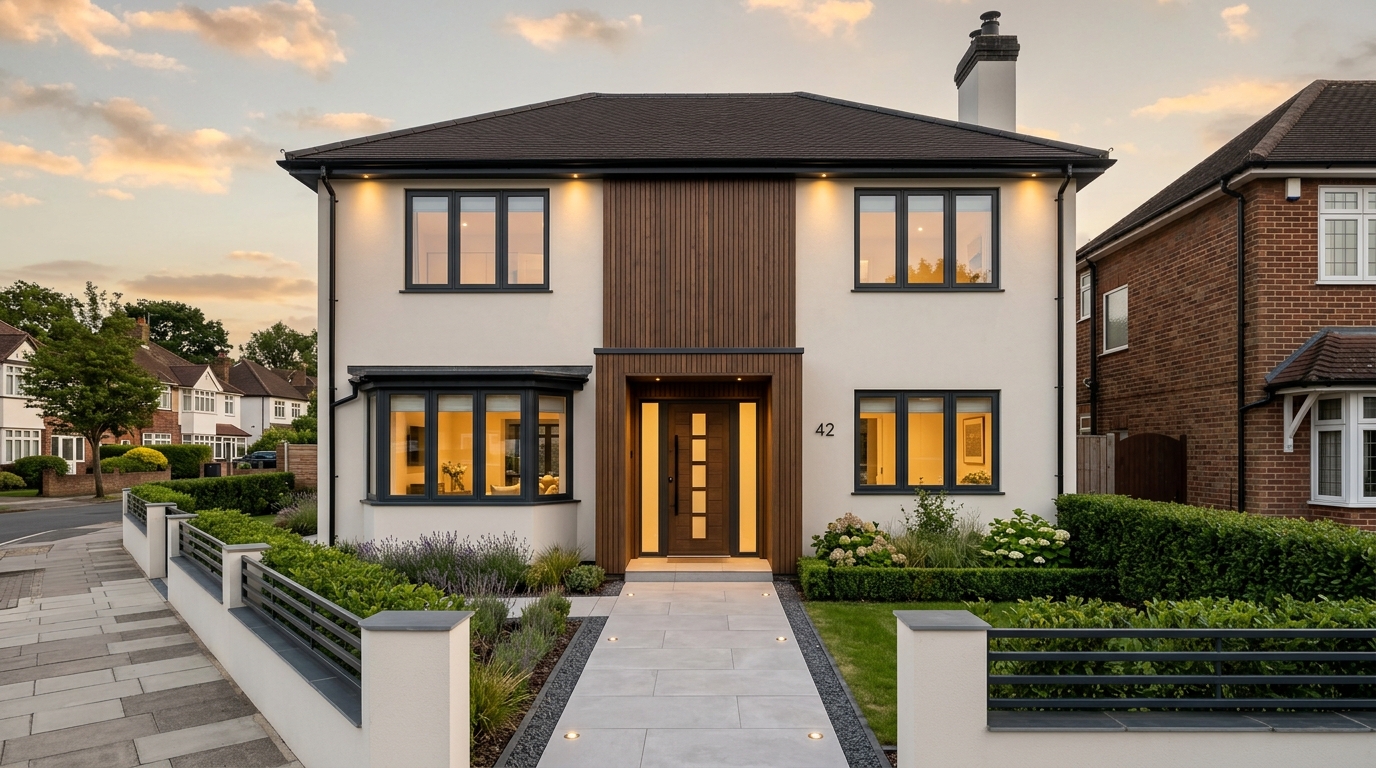
AI Home Exterior Redesign: How to Test Façade Materials and Render Before Building
External render and window upgrades require substantial capital. Learn how to test render shades, timber cladding, and window frames on your property with AI before hiring contractors.
Read the guide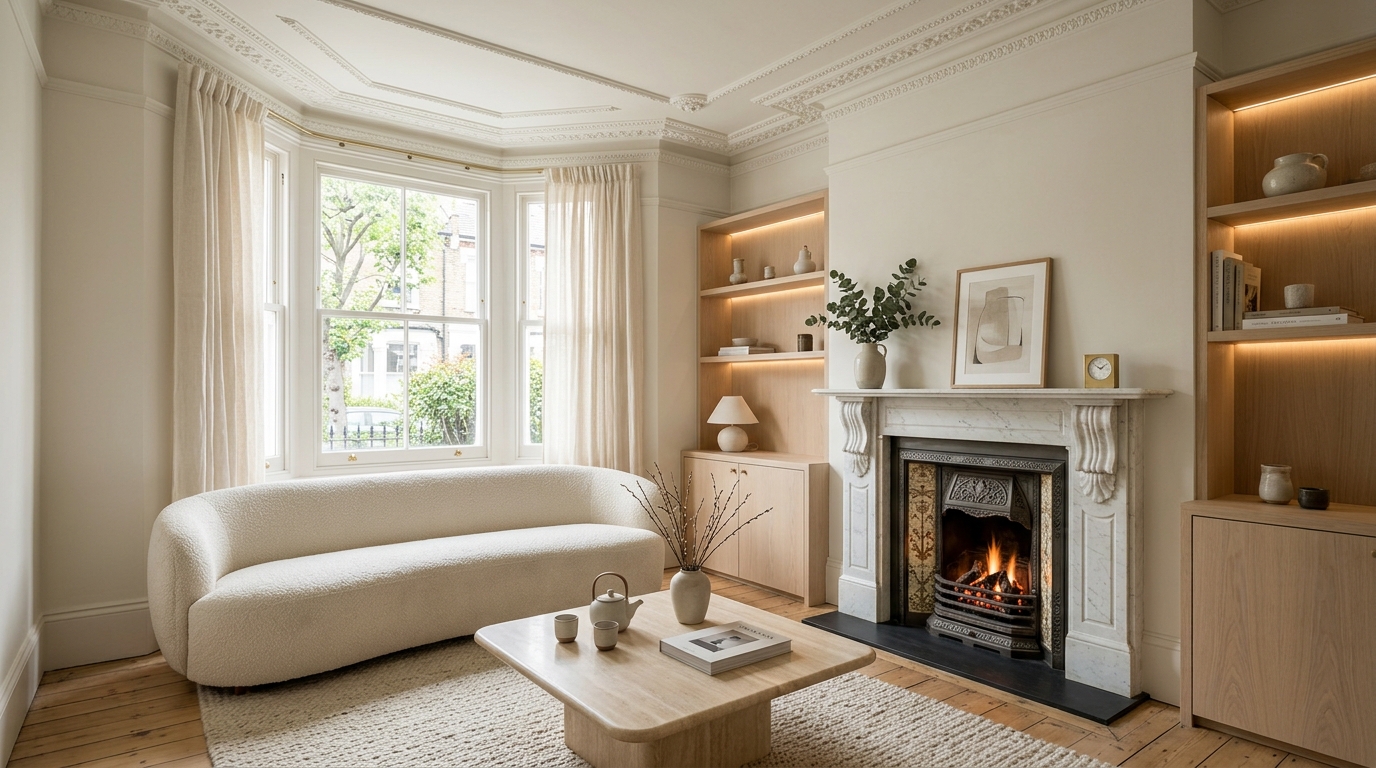
How to Visualise an Interior Room Redesign with AI: A Practical Homeowner's Guide
Learn how to photograph your existing room, test layout options, and preview interior styles with AI before buying furniture or commissioning trades.
Read the guide