Turning Static AI Room Concepts into Cinematic Video Walkthroughs: An Architectural Motion Guide
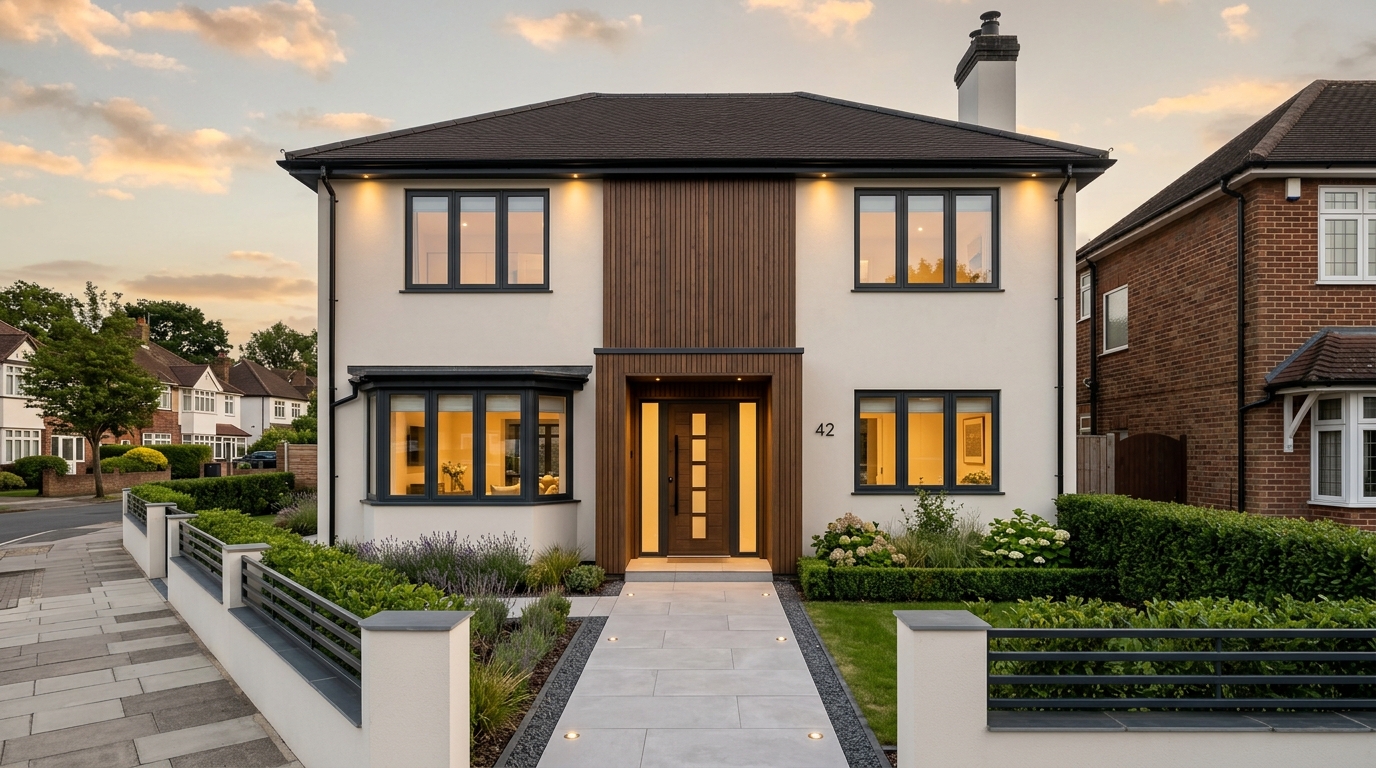
Static images show colour and layout, but video demonstrates how a room actually flows. Learn how to convert 2D architectural concepts into short video walkthroughs using AI.
In this guide
Why Video Walkthroughs Clarify Room Flow and Scale
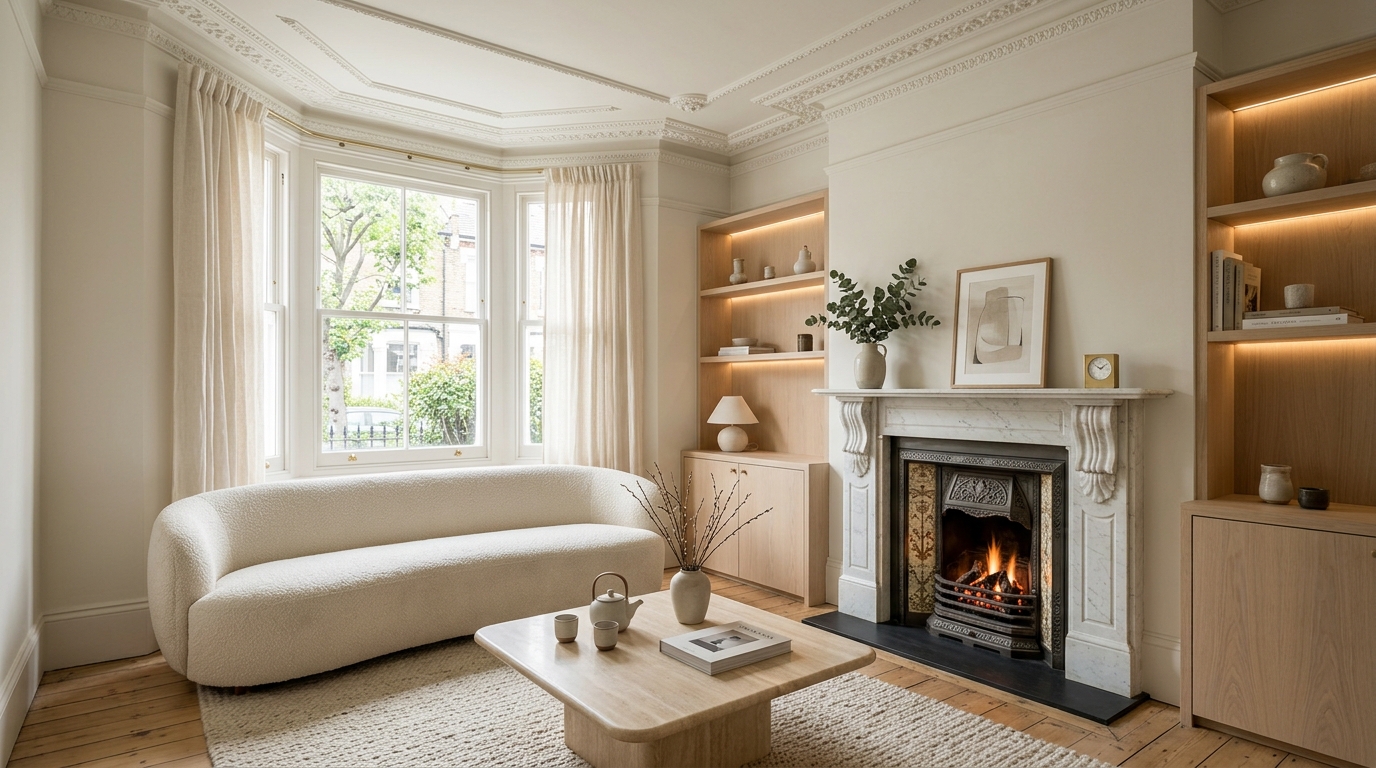
A static render illustrates furniture placement and colour palettes, but it cannot show how people move through a space. Walking past doorways, watching daylight move across wood floors, and seeing how a kitchen connects to an adjoining patio requires camera movement.
Historically, producing a ten-second photorealistic 3D architectural animation required days of CAD modelling, texturing in dedicated rendering engines, and hours of costly cloud GPU rendering.
DraftSanctum AI provides a direct alternative. By uploading a generated room concept or architectural sketch, you can produce a controlled video walkthrough in minutes, demonstrating camera depth and spatial transitions without specialised 3D software.
Image-to-video technology lets homeowners and interior designers evaluate flow, circulation, and light transitions without needing complex 3D animation software.
Mastering Camera Motion: Forward Dolly, Pan, and Interior Sweep
The key to professional architectural video is smooth, measured camera movement. Rapid or jerky camera paths disorient viewers and cause generative video models to distort architectural lines.
DraftSanctum AI provides calibrated motion presets tailored to interior and exterior spaces:
Actionable Checklist
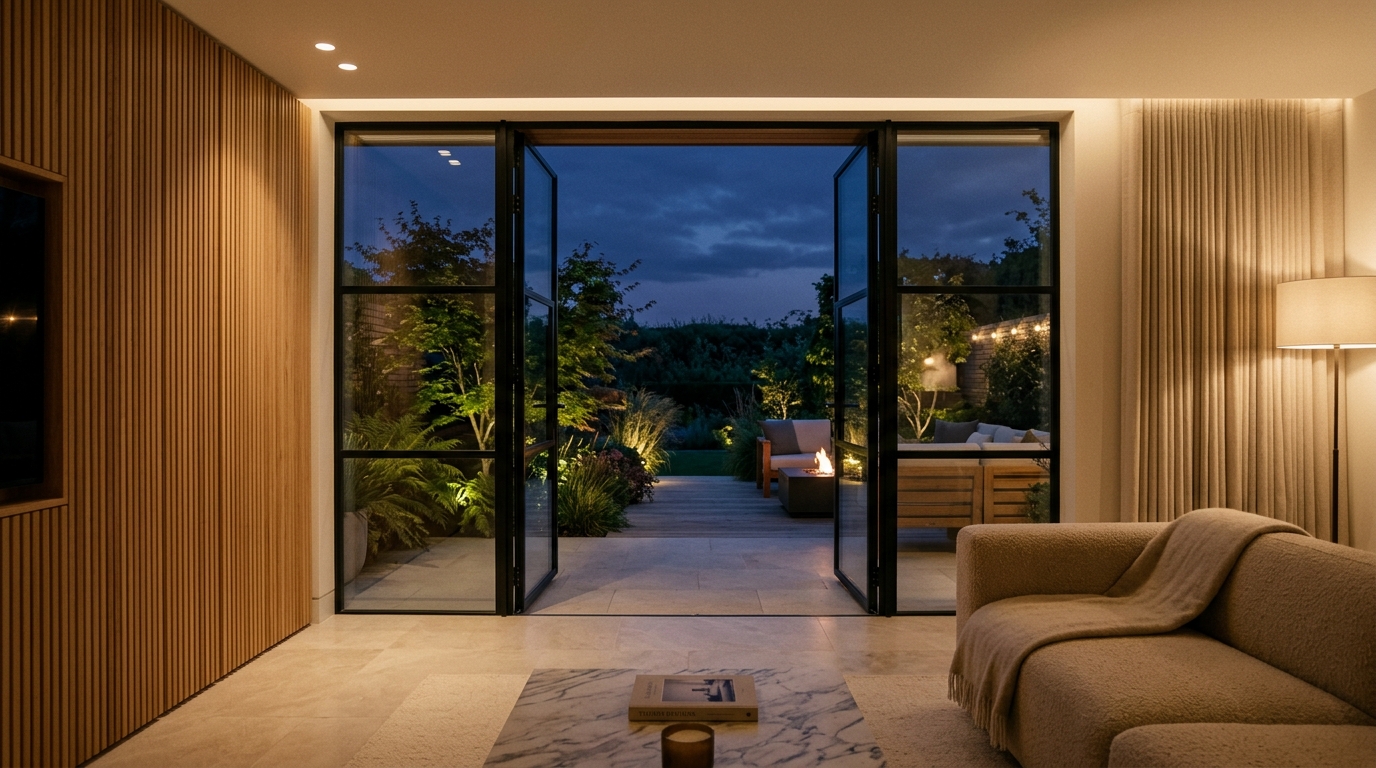
- 1Forward Dolly Glide: The camera moves straight forward into the room. Ideal for entering a living room from an entryway or moving toward a garden view through patio doors.
- 2Slow Horizontal Pan: Glides from left to right across a feature wall, revealing alcove joinery, artwork, and fireplace mantels in sequence.
- 3Interior Sweep: A gentle arching movement that pans around a central seating group or kitchen island, showcasing circulation and three-dimensional clearance.
- 4Subtle Ambient Motion: The camera stays stationary while micro-movements animate the scene, such as curtains moving in a draft, flames in an open fireplace, or ornamental grasses rustling outside.
Prompt Engineering for Architectural Video Stability
When generating architectural video, maintaining straight structural lines is critical. Walls, window frames, and columns must stay rigid throughout the clip.
Incorporate these scripting guidelines into your video prompts:
1. Define the camera lens: Specify "smooth architectural steadicam, 28mm wide lens, strict vertical lines" to anchor the geometry.
2. Regulate speed: Always instruct "slow, deliberate, cinematic forward glide; no rapid shaking or sudden cuts".
3. Focus on atmospheric movement: Mention subtle environmental cues like "soft ambient 2700K light glow, gentle breeze in background garden foliage, calm evening atmosphere".
| Use Case | Optimal Camera Path | Motion Intensity Setting | Best Suited Output |
|---|---|---|---|
| Living Room Walkthrough | Slow Forward Dolly into seating area | Low to Medium (Smooth flow) | Client presentations & social media reels |
| Kitchen & Island Reveal | Gentle arching pan around breakfast bar | Low (Preserves joinery lines) | Showing circulation and worktop finishes |
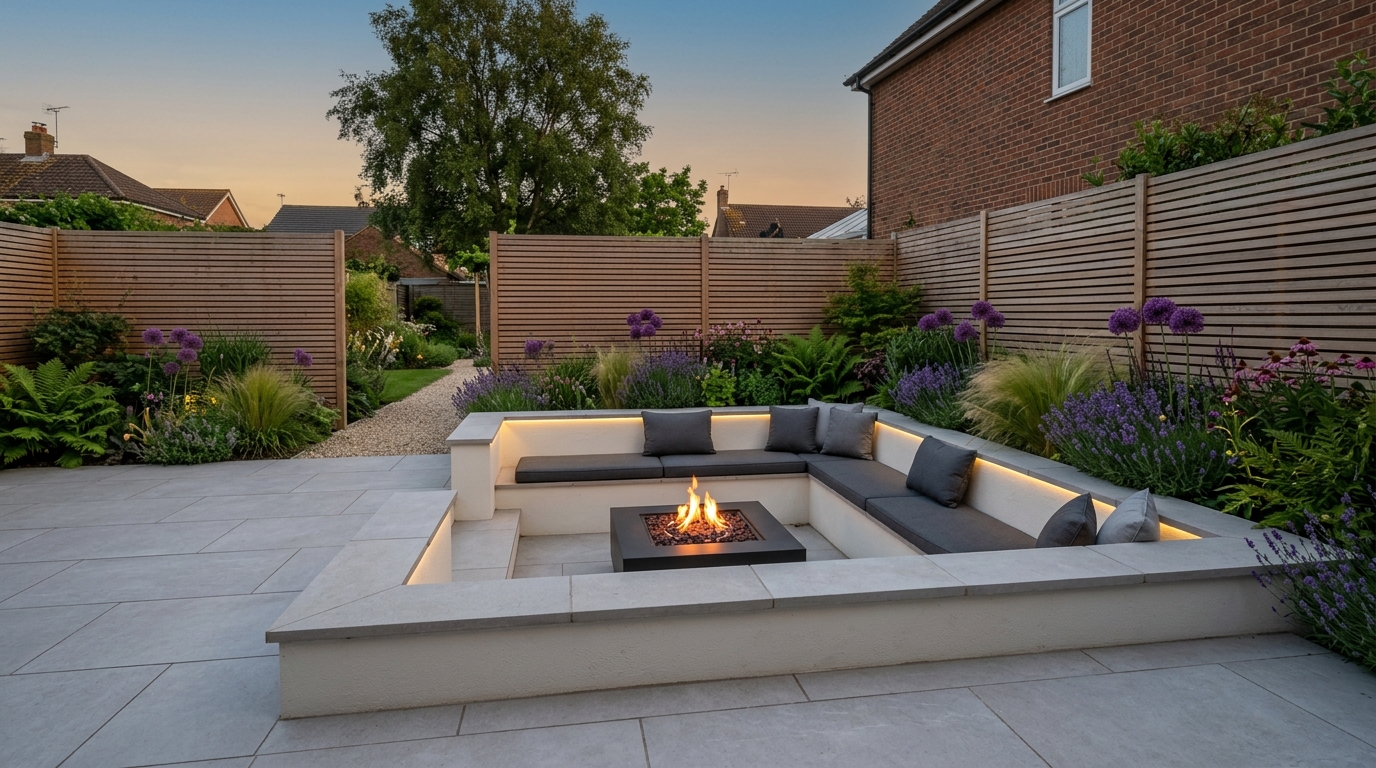
| Garden Patio to Lawn | Push forward through open bifold doors | Medium (Showcases outdoor foliage) | Indoor-outdoor lifestyle storytelling |
Practical Workflows for Designers, Agents, and Homeowners
Video clips generated through DraftSanctum AI serve multiple practical purposes beyond personal visualisation:
For Interior Designers: Adding short 5 to 10 second video walkthroughs to client proposals helps clients understand scale and layout more quickly than static mood boards.
For Estate Agents and Stagers: Short video animations of redesigned empty rooms provide engaging visual material for marketing listings.
For Homeowners and Contractors: Sharing a motion walkthrough with joiners or builders clarifies how materials and lighting should look when moving through the finished space.
Frequently Asked Questions
Bring Your Design Concepts to Life with Video
Upload any interior photo, exterior concept, or architectural sketch and generate cinematic video walkthroughs in moments.
Related Design Guides
View all guides