Master AI Design with Video Tutorials
Unlock the full potential of DraftSanctum AI with our comprehensive video tutorial series. Learn every feature, from basic sketching to advanced furniture arrangement, with professional guidance.
Step-by-Step
Follow along with detailed instructions and real examples
HD Quality
Crystal clear video tutorials with professional narration
Pro Tips
Expert techniques and best practices for stunning results
Available Tutorials
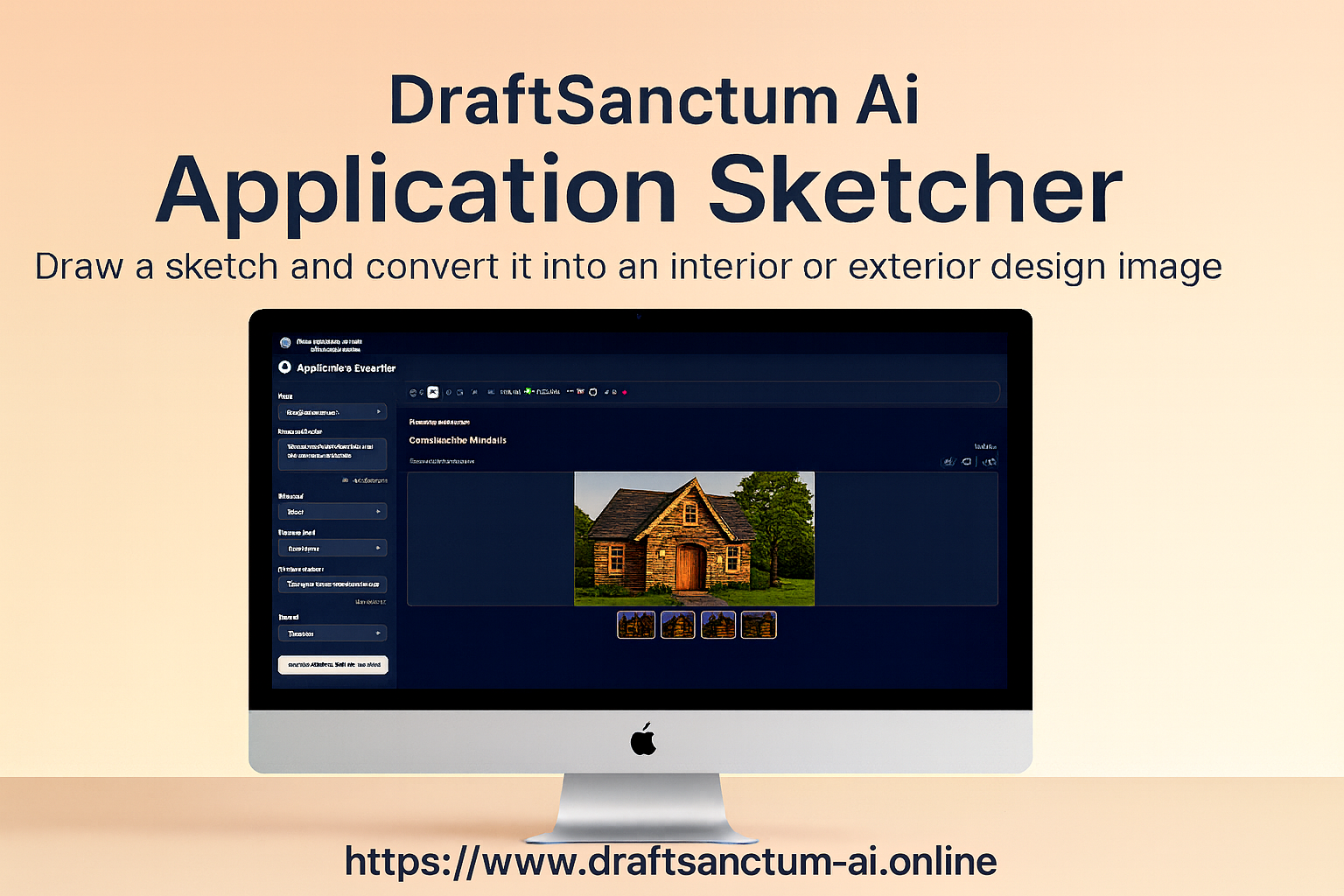
From Sketch to Photorealistic Design: A Guide to Application Sketcher
Watch this step-by-step tutorial to see how DraftSanctum AI's Application Sketcher can transform a simple drawing into a stunning architectural rendering. Learn how to create a basic sketch, apply specific parameters like style, materials, and season, and generate multiple high-quality design concepts in moments. This video also highlights powerful features like the "Compare" tool, which shows a side-by-side transformation of your initial idea into a fully realized, photorealistic image.
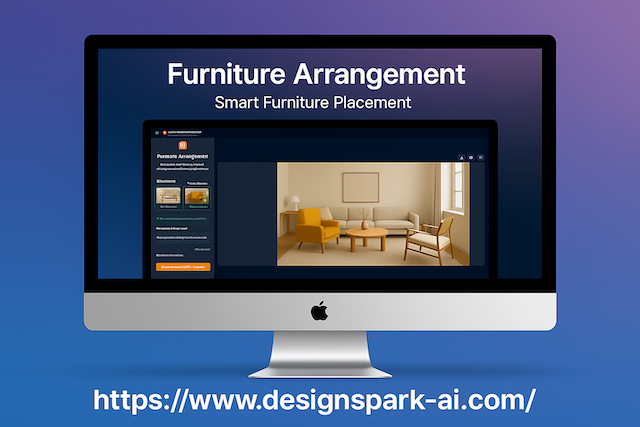
Smart Staging: How to Place Furniture in Any Room with AI
Discover how to virtually place any piece of furniture into a room with the DraftSanctum AI Furniture Arrangement tool. This quick guide demonstrates the simple process: upload an image of your space, add a photo of your chosen furniture, and provide simple instructions. We'll also explore advanced settings for controlling lighting and style to create a perfectly integrated, high-quality image that shows you exactly how your room could look.
How to Redesign Any Room with the AI Design Studio
See how you can take a photo of any room and completely reimagine it with the AI Design Studio. This tutorial walks you through uploading an image of your existing space, selecting a new interior style, and refining your vision with detailed text descriptions. Learn how to use advanced options to set a budget and request specific features. Finally, see the stunning transformation and learn how to use the interactive before-and-after slider to truly appreciate the redesign.
From Static to Cinematic: How to Turn Any Image into a Video with AI
Discover how to bring any static image to life with the DraftSanctum AI Image to Video Generator. This tutorial demonstrates the easy workflow: upload your image, and then use the unique "Help me write a prompt" button to let our AI instantly suggest a detailed animation script for you. Learn how to adjust motion strength for the perfect effect before generating a beautiful, cinematic video clip in just a few moments.
More Tutorials Coming Soon
We're continuously creating new tutorials to help you master every aspect of AI-powered design. Stay tuned for tutorials on interior design, exterior renovation, landscape planning, and advanced features.