Upload a room photo. See it redesigned in seconds.
See what your money buys before you commit to decorating. Test warm contemporary finishes, bespoke joinery, and furniture arrangements tailored to your actual walls and ceiling heights.
Includes 3 free design credits on signup • No credit card required
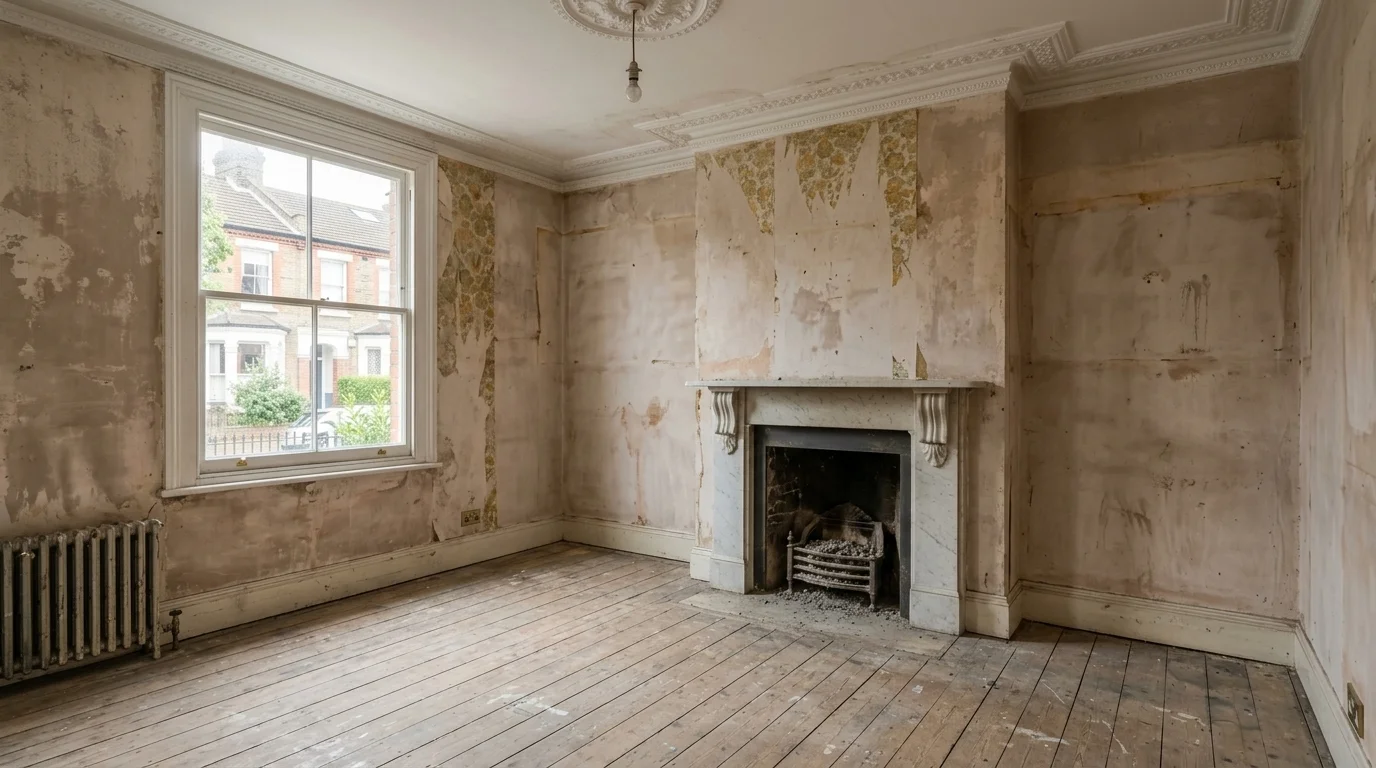
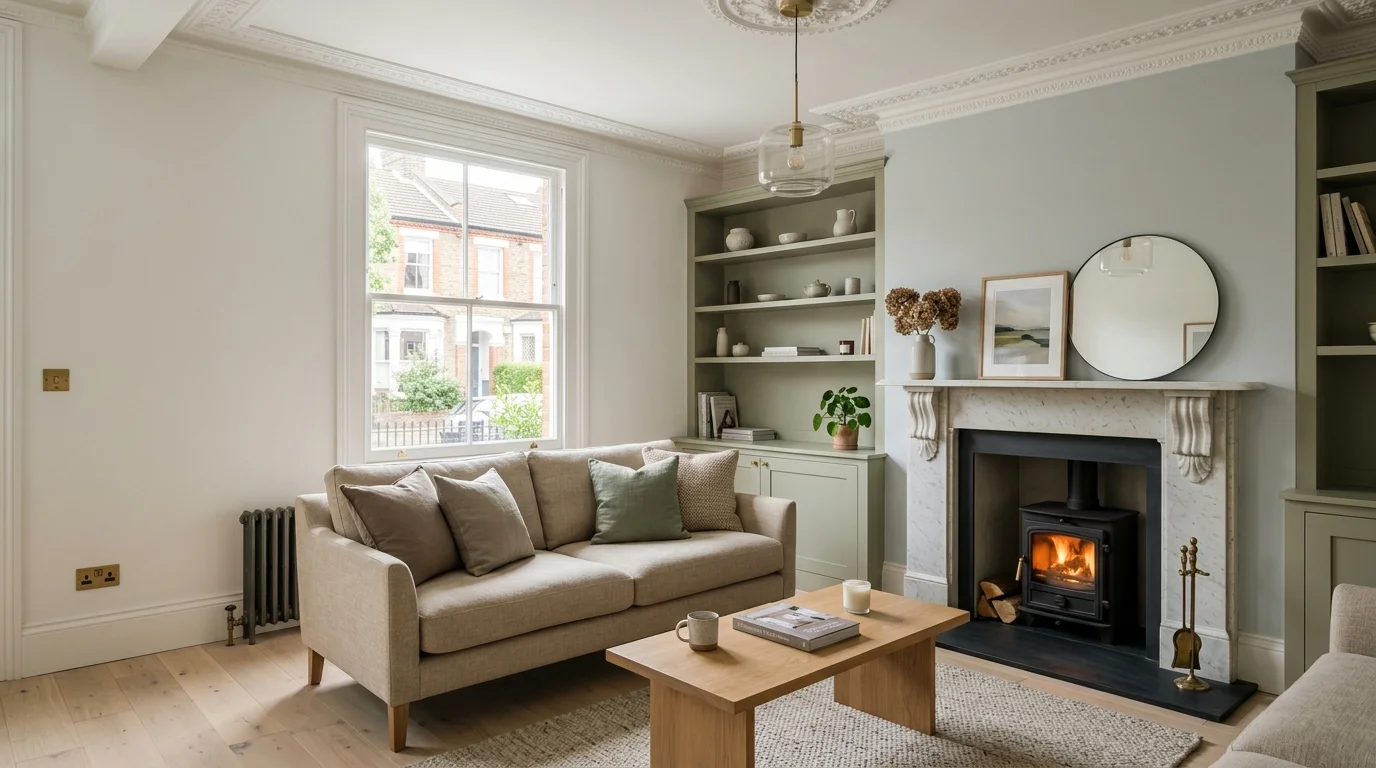
Photorealistic Victorian terrace living room redesign: unrenovated space vs restored marble fireplace and warm oak joinery
It keeps your actual room
The design is generated from your own photo, so the windows, proportions and layout stay where they are. You are looking at your space restyled, not a stock interior.
Good enough to show a client
Renders are clean enough for presentations, planning conversations and quotes, not just for a quick look on your phone.
Every render is saved
Results go to My Designs in the studio as soon as they finish, so a refresh never costs you the credits you spent. Designs stay in your account for 90 days and you can download anything you want to keep.
What you can design
Interiors, exteriors, whole rooms, and the furniture that goes in them.
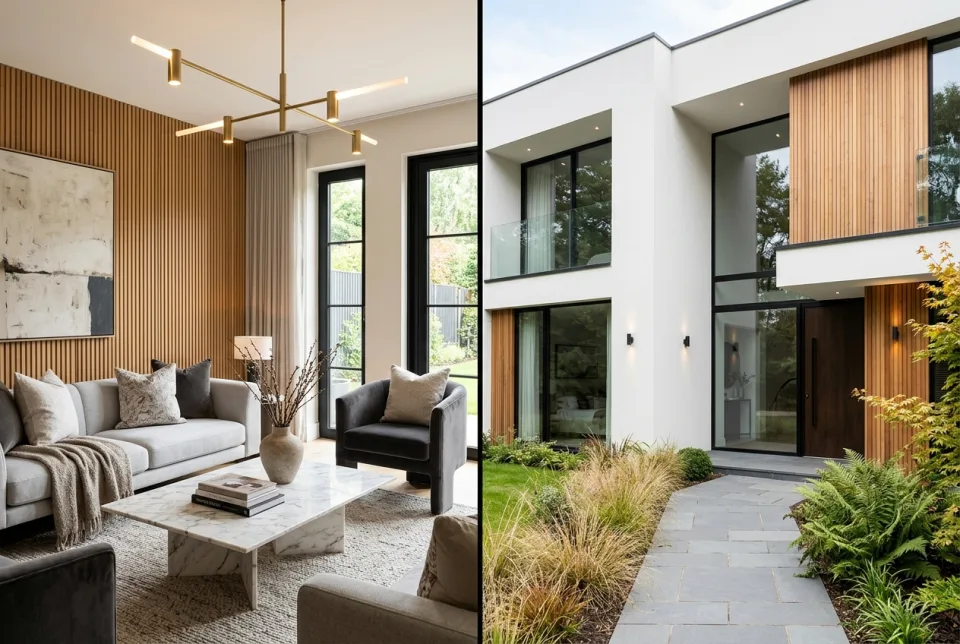
Interiors and Exteriors
Restyle a room or the front of a building. Lighting, materials and proportions follow the photo you uploaded.
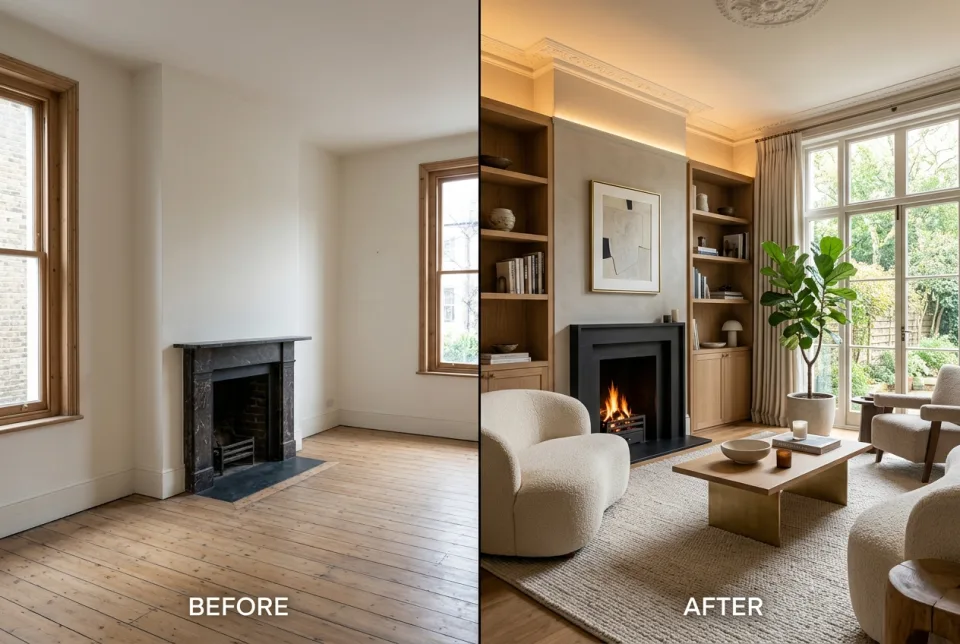
Whole Rooms
Change the layout, the finishes and where the furniture sits, in one pass.
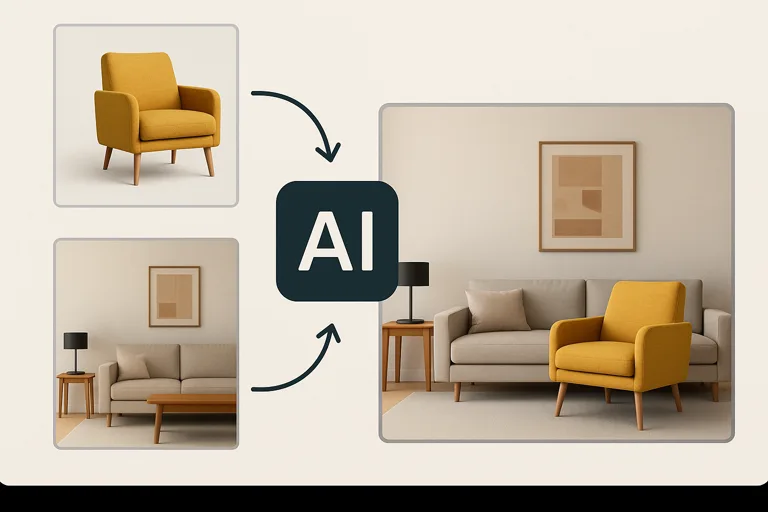
Furniture and Décor
Try arrangements against the real dimensions of your space before you buy anything.
Why British Homeowners & Designers Choose DraftSanctum AI
Every feature is engineered for architectural credibility: preserving real walls, producing realistic materials, and delivering client-ready presentations in minutes.
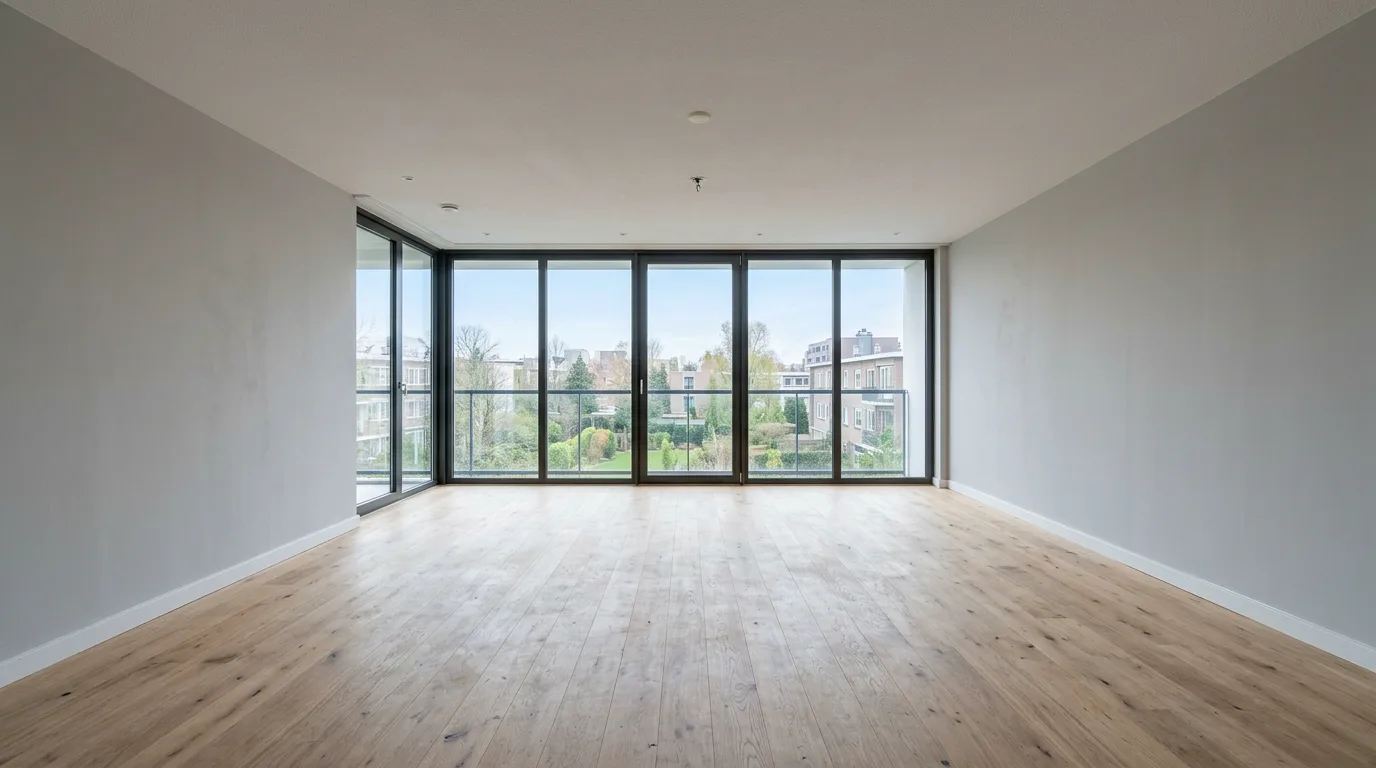
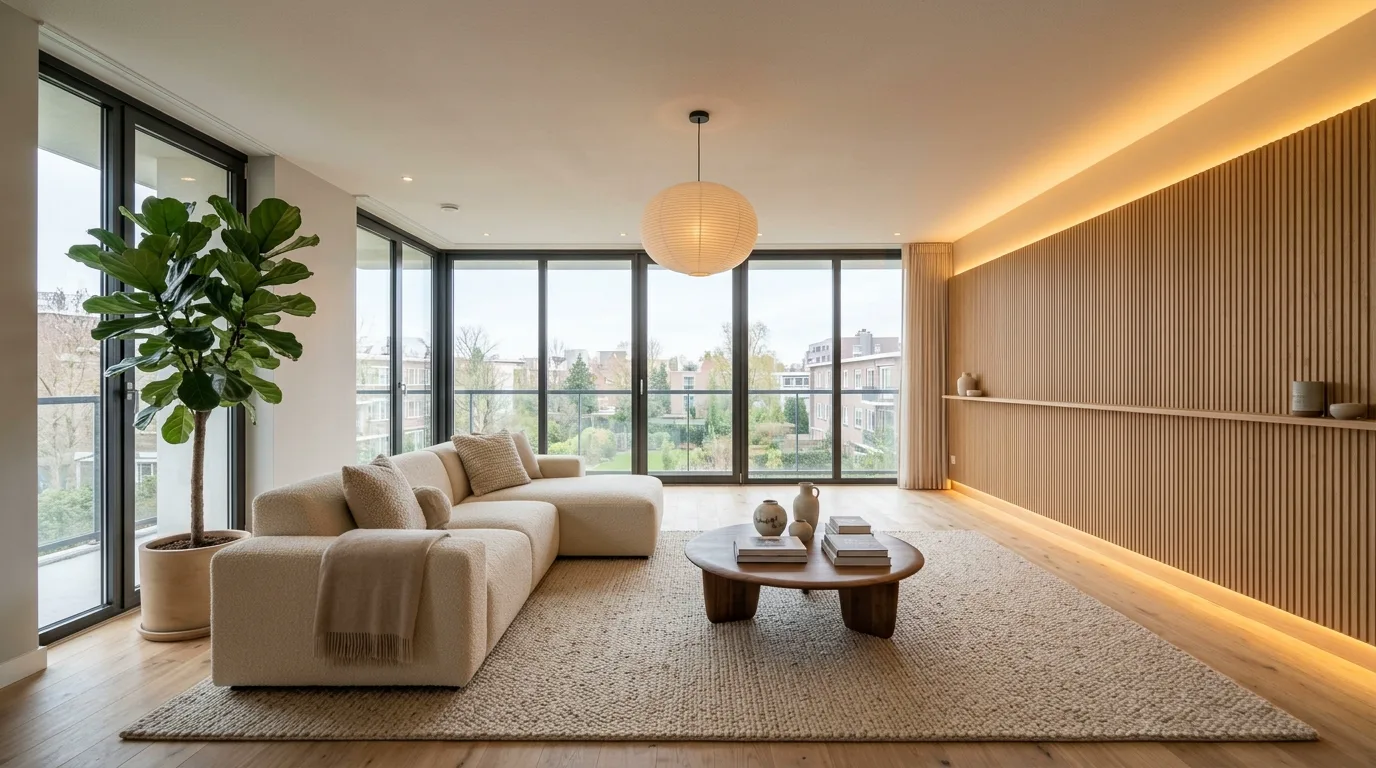
It keeps your actual room and layout
Window placements, ceiling heights, radiator positions, and door frames stay exactly where they belong. You are evaluating your real property restyled, rather than a generic catalogue render.
Built for Real Renovation Decisions
Whether you are redesigning a terraced living room or pitching a client concept, DraftSanctum AI keeps your actual walls and proportions.
HOMEOWNERS
See what the money buys before you spend it. Put two or three directions for the same room side by side and choose with your eyes.

INTERIOR DESIGNERS
Turn a brief into something a client can react to in minutes, so the first meeting starts from a picture instead of a description.

DEVELOPERS & BUILDERS
Put a realistic visual in front of planners, buyers and stakeholders without waiting weeks on a specialist render house.
Three steps, a few minutes
1. Photograph the space
A phone photo is enough. Face the wall you care about, get some daylight in, and upload it.
2. Say what you want
Choose one of the styles, or describe the change in your own words. Both work.
3. Compare and decide
Your render appears next to the original on a slider. Keep it, download it, or run it again in a different style.
Genuine Before & After Transformations
These examples were generated directly by DraftSanctum AI from the original photograph. Drag the slider to inspect the exact spatial alignment and realistic material finishes.
One Photo, Multiple Architectural Directions
Choose a style below to see how DraftSanctum AI reinterprets the same physical space while preserving window positions and floorplan boundaries:
Authenticity Guarantee: We never display generic stock interiors or 3D mockups disguised as customer transformations. Every result is generated from the real photograph.
Learn How to Design Smarter With AI
Practical guides and tutorials for users who want to apply AI design tools effectively.
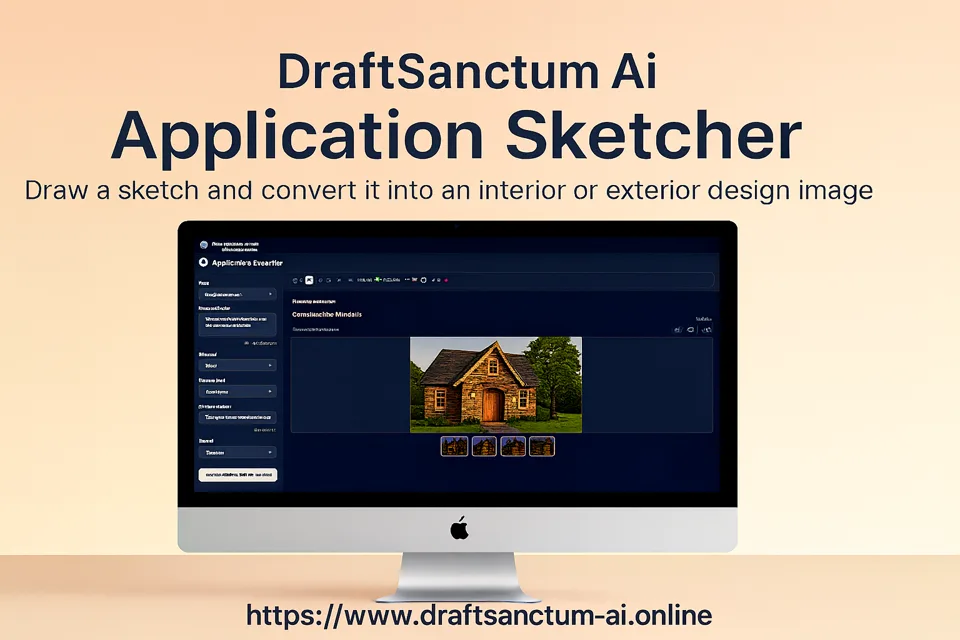
From Sketch to Photorealistic Design: A Guide to Application Sketcher
Watch this step-by-step tutorial to see how DraftSanctum AI's Application Sketcher can transform a simple drawing into a stunning architectural rendering. Learn how to create a basic sketch, apply specific parameters like style, materials, and season, and generate multiple high-quality design concepts in moments.
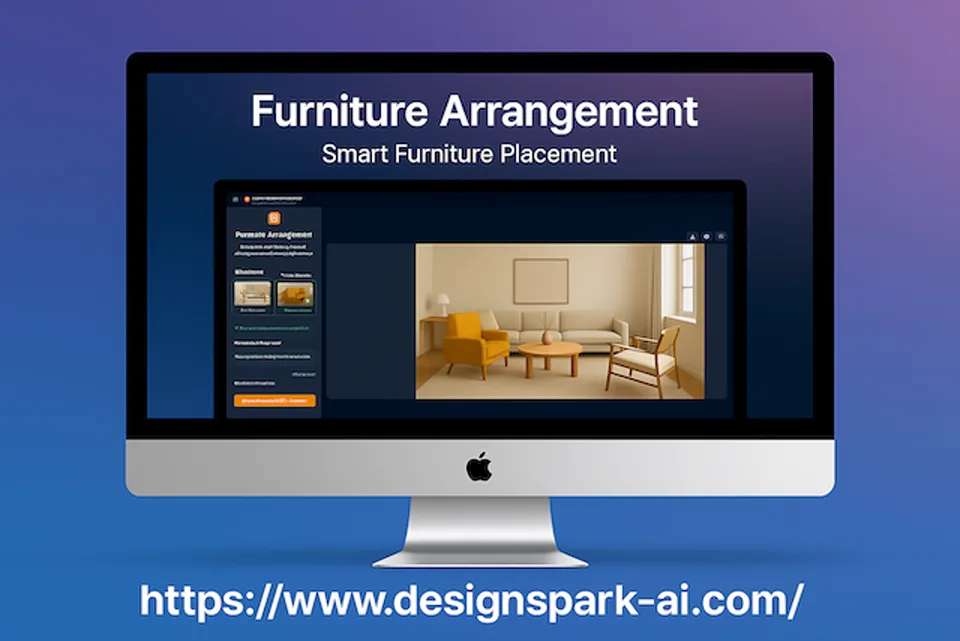
Smart Staging: How to Place Furniture in Any Room with AI
Discover how to virtually place any piece of furniture into a room with the DraftSanctum AI Furniture Arrangement tool. This quick guide demonstrates the simple process: upload an image of your space, add a photo of your chosen furniture, and provide simple instructions.
Plan this project first
Practical, photo-led guides to planning a redesign before you spend on furniture, trades or planting.
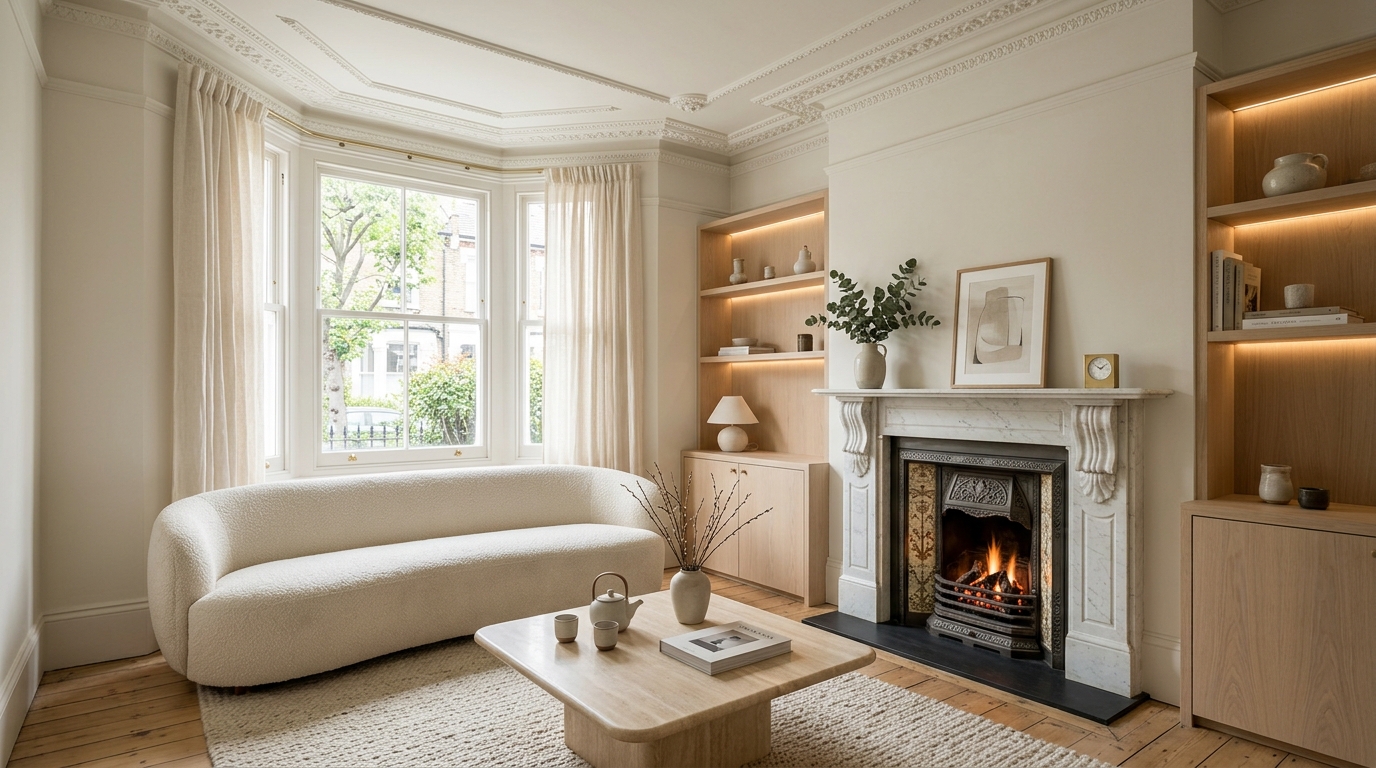
How to Visualise an Interior Room Redesign with AI: A Practical Homeowner's Guide
Learn how to photograph your existing room, test layout options, and preview interior styles with AI before buying furniture or commissioning trades.
Read the guide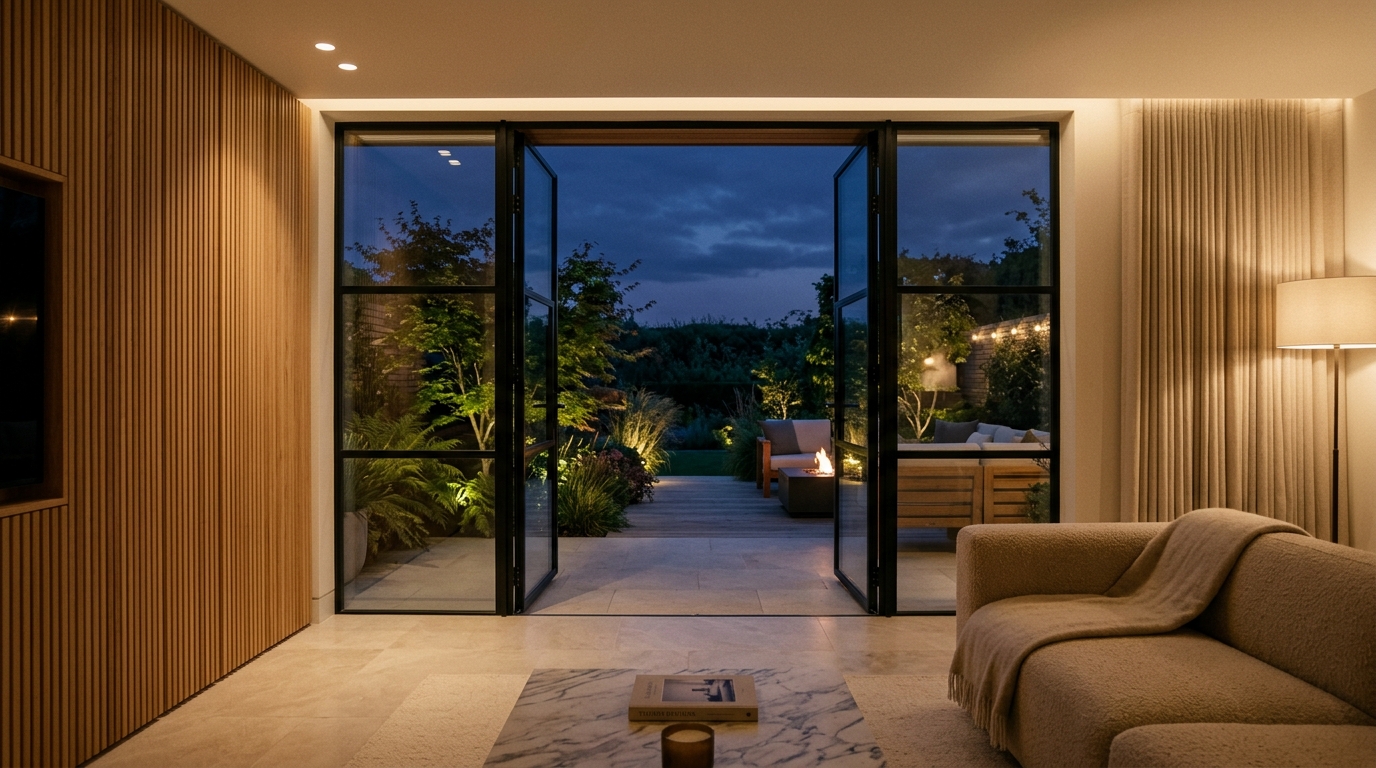
Turning Static AI Room Concepts into Cinematic Video Walkthroughs: An Architectural Motion Guide
Static images show colour and layout, but video demonstrates how a room actually flows. Learn how to convert 2D architectural concepts into short video walkthroughs using AI.
Read the guide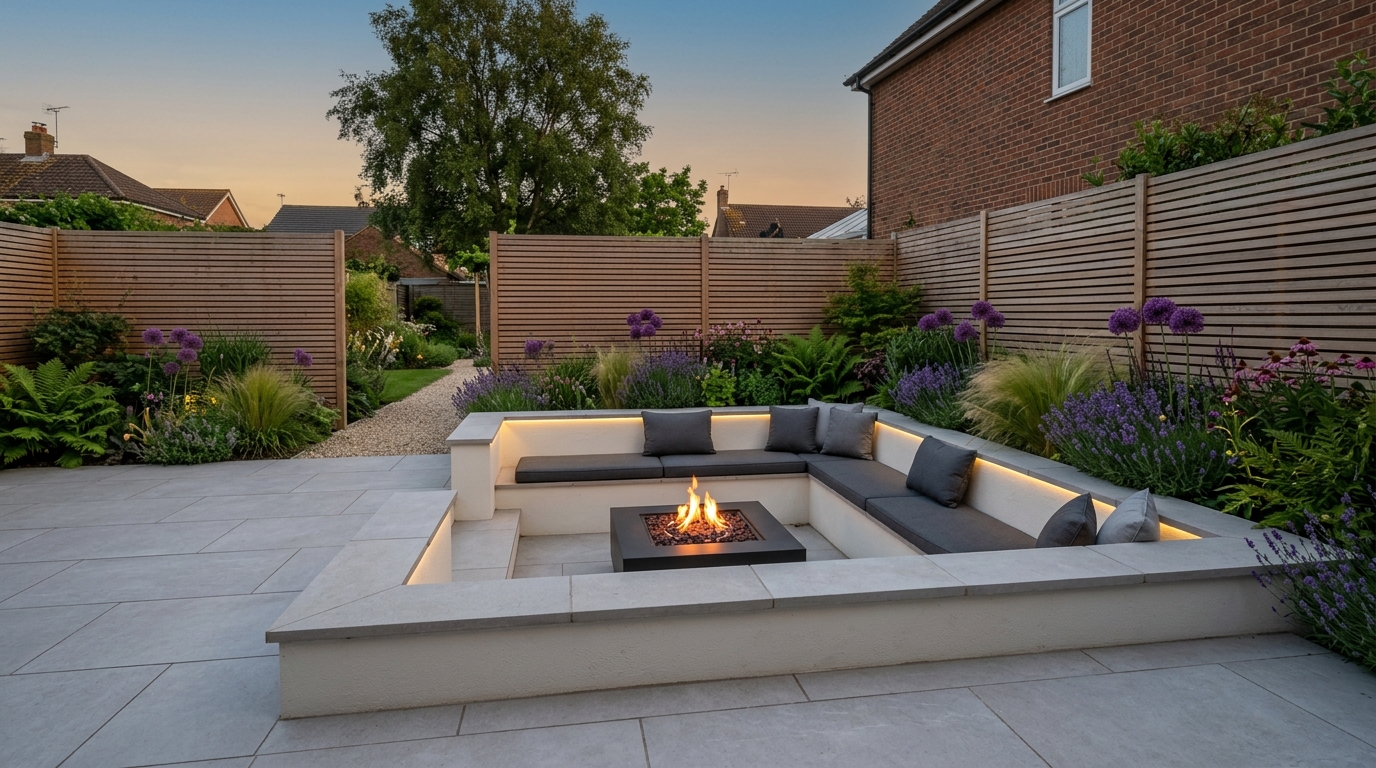
Transforming Your Garden Layout with AI: Visualising Patios, Planting, and Outdoor Living
Overgrown turf and awkward slopes make garden redesign difficult to plan. Learn how to assess sunlight, divide outdoor space into practical zones, and test paving materials with AI.
Read the guide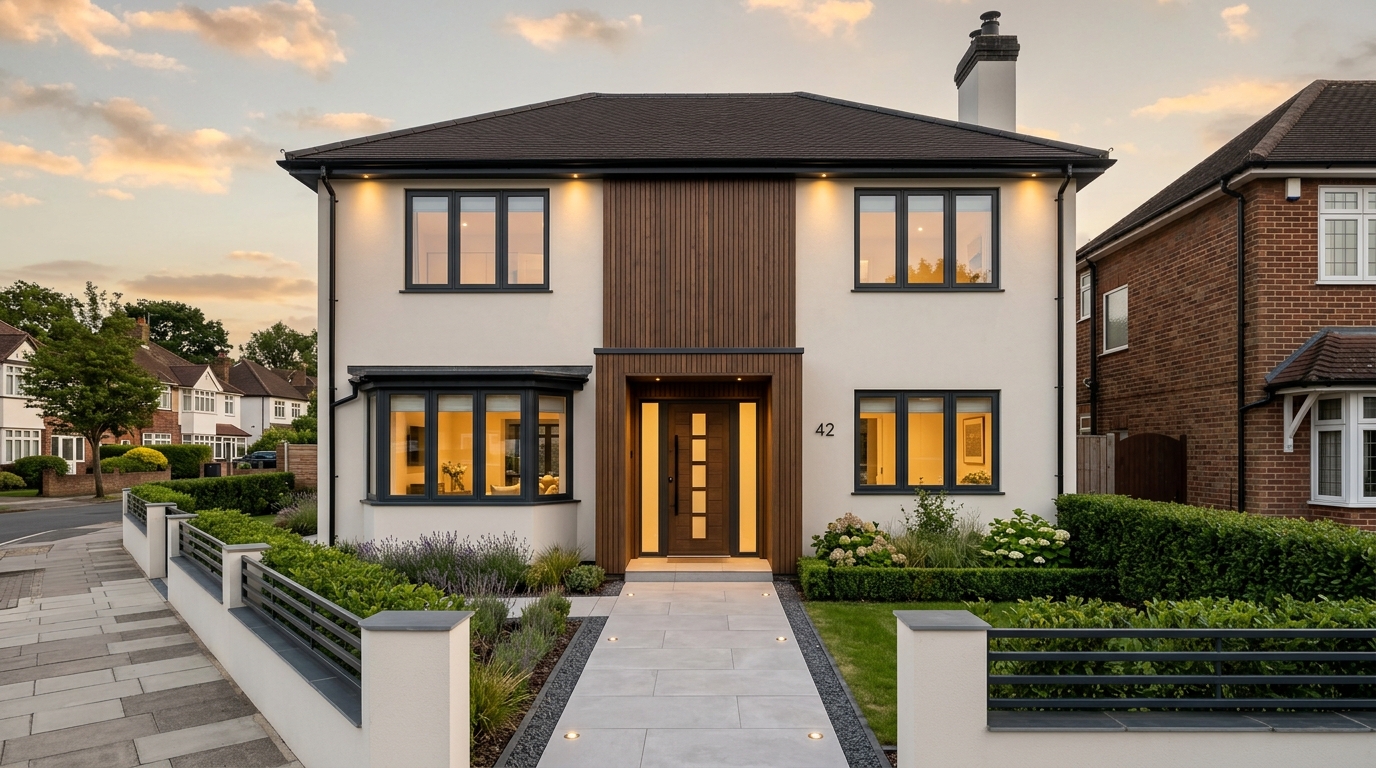
AI Home Exterior Redesign: How to Test Façade Materials and Render Before Building
External render and window upgrades require substantial capital. Learn how to test render shades, timber cladding, and window frames on your property with AI before hiring contractors.
Read the guideFrequently Asked Questions
Everything you need to know about transforming rooms, exterior façades, landscaping, and creating cinematic architectural walkthroughs.
Have more technical or account questions?
Explore our comprehensive guide and full list of answers.
Try it on one room. Subscribe for the rest of the house.
The trial is there so you can check the output on your own photo before paying. A plan adds monthly credits, downloads and commercial use.
Subscription required. Cancel any time.
Try it on a room you already want to change.
Upload a photo, pick an architectural style, and transform your room in seconds. Flexible plans with no lock-in contract.